Visits and the calendar
Book, open, move and complete visits
-
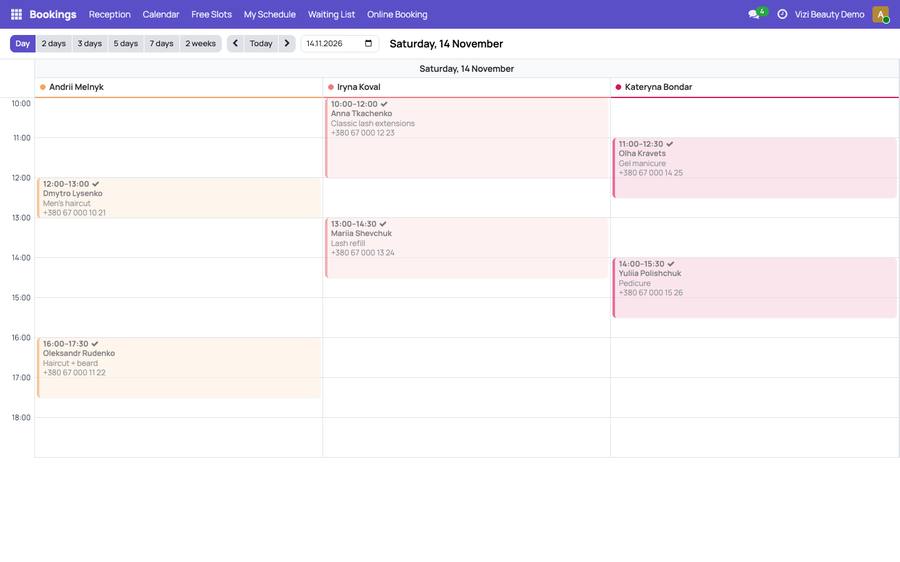
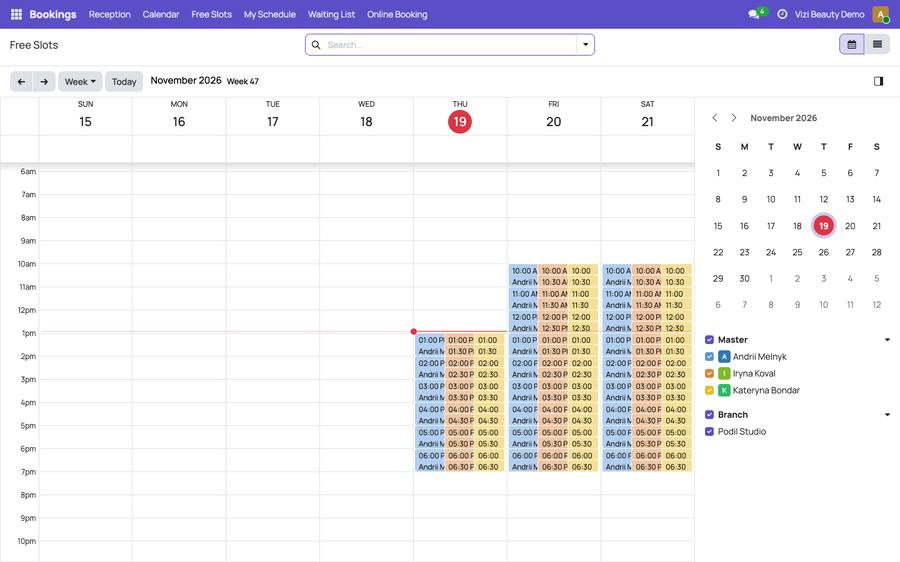
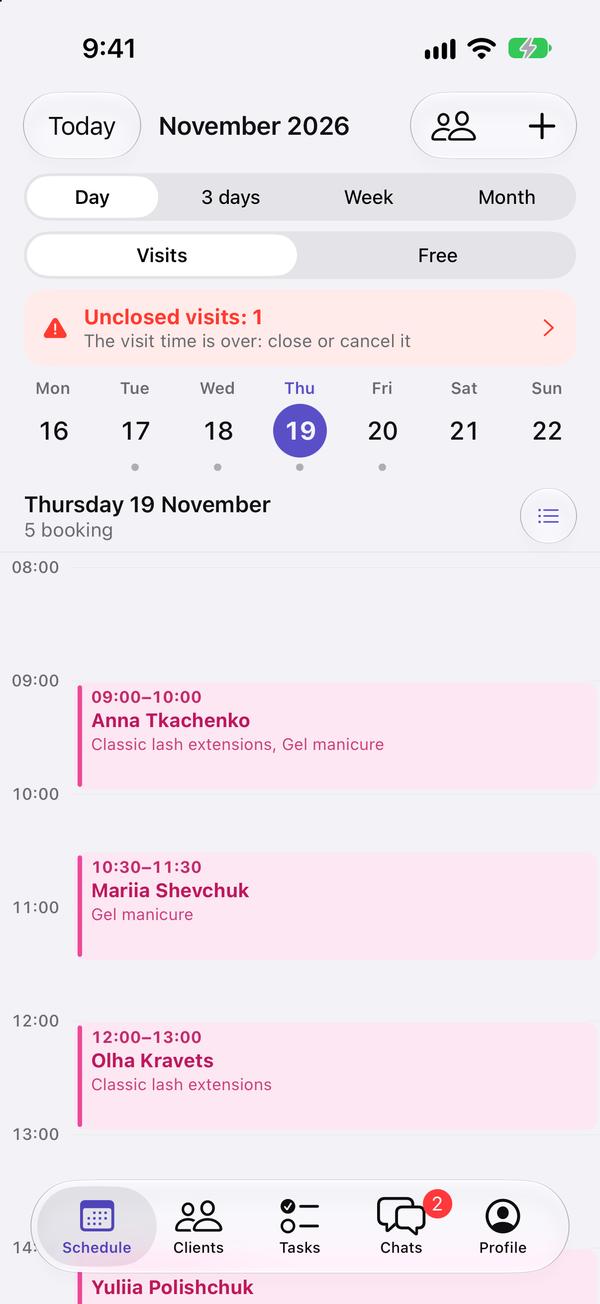
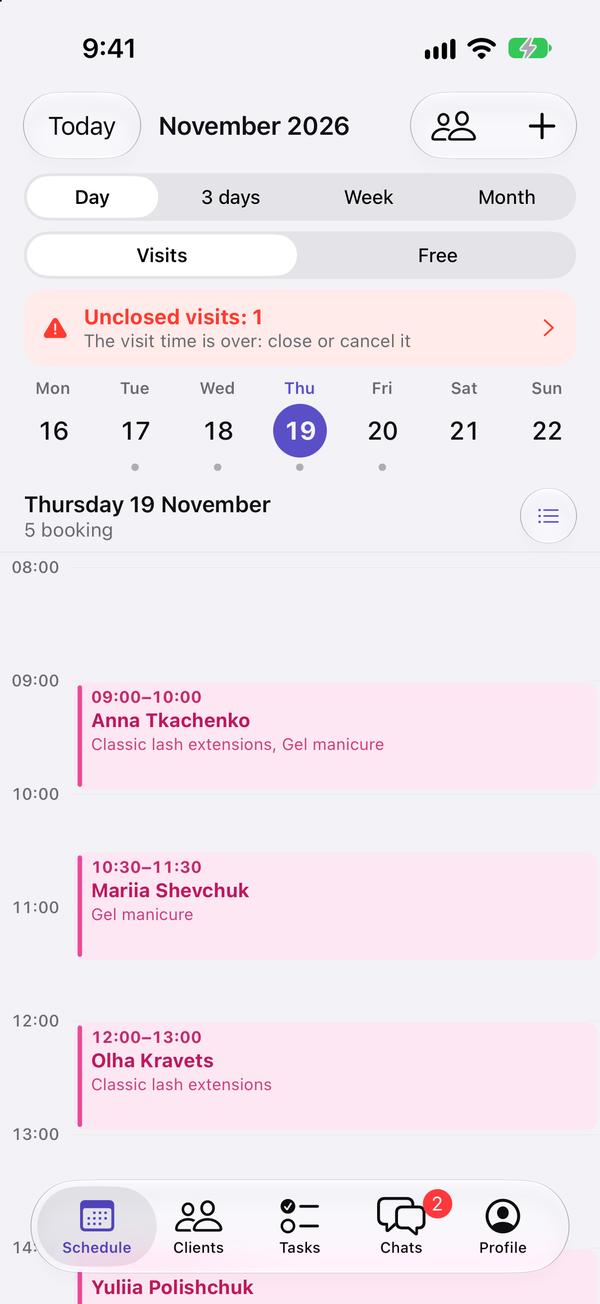
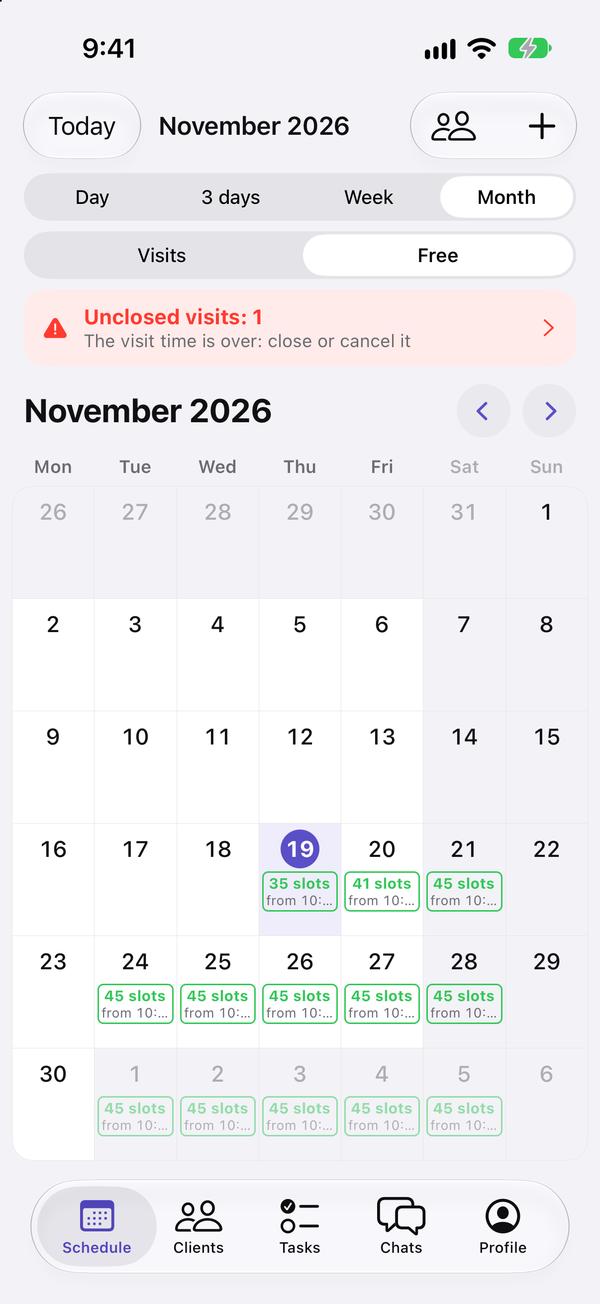
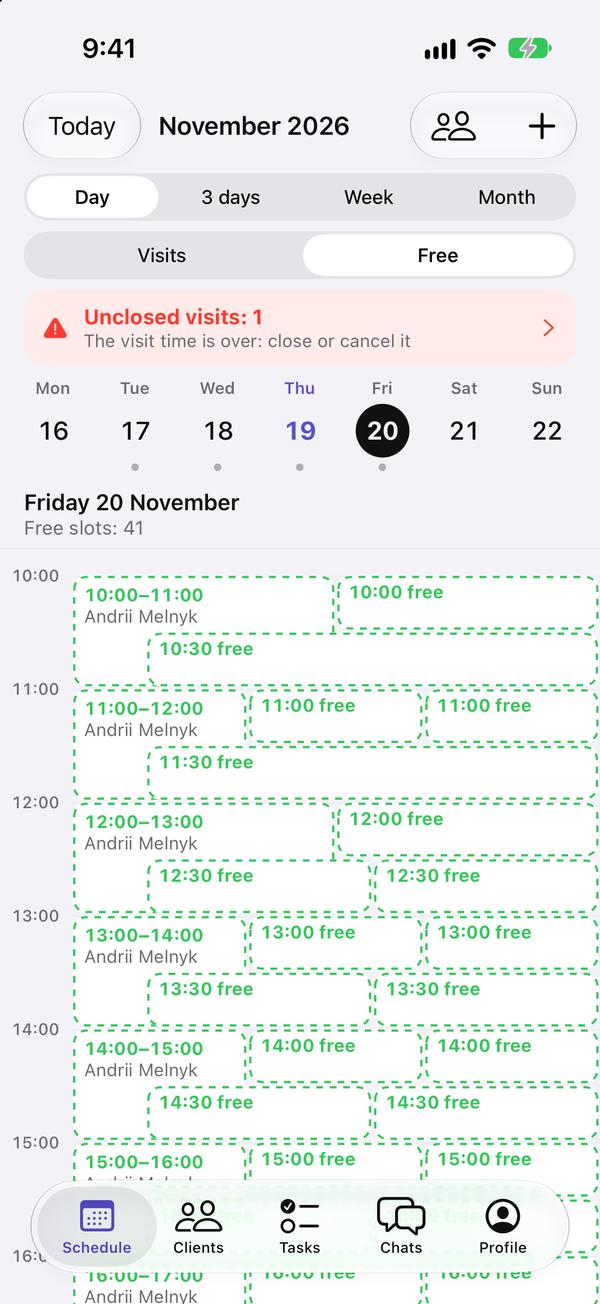
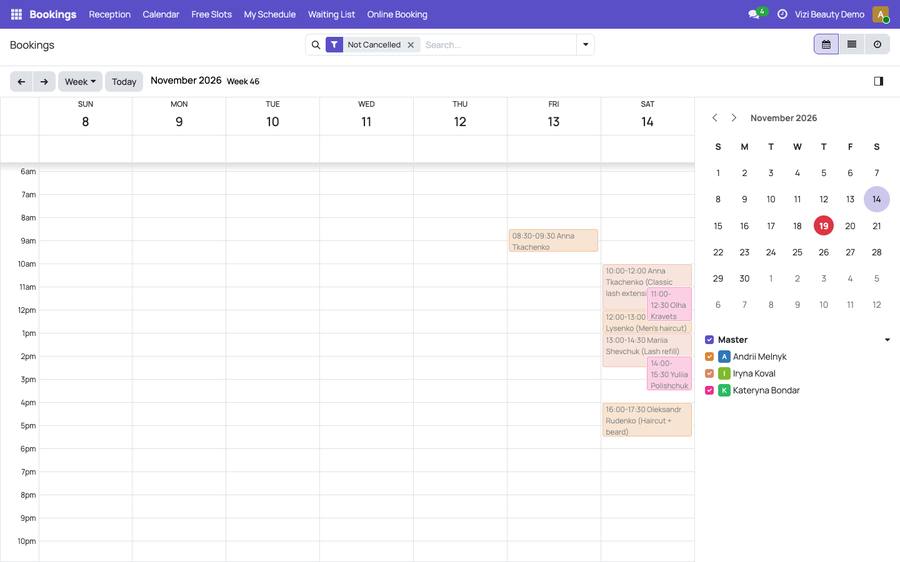
Open «Bookings → Calendar»: the calendar of visits. The button at the top left switches between day, week and month; the arrows move through the dates and «Today» brings you back. On the right there is a small calendar to jump to any date, and the specialists: untick someone to hide their visits.
-
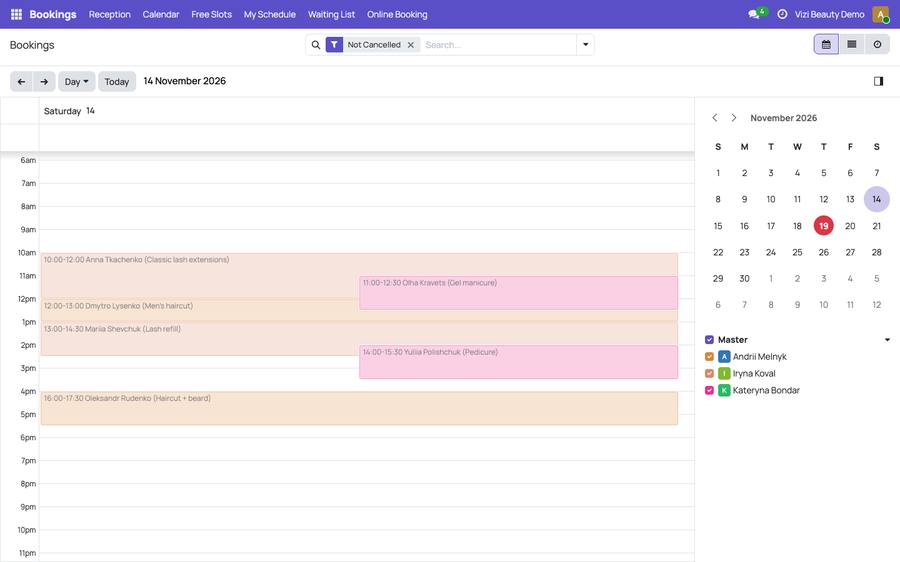
In the week or the month, click a day: it opens hour by hour.
-
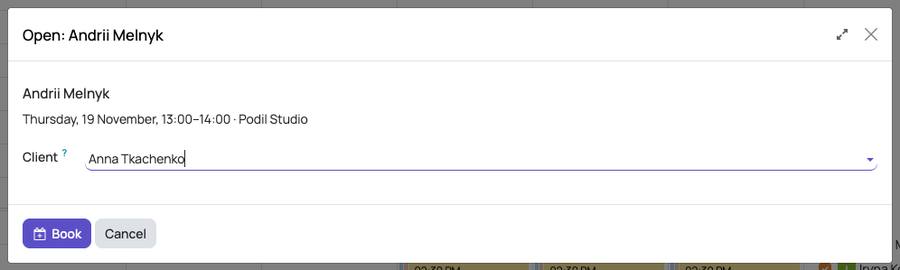
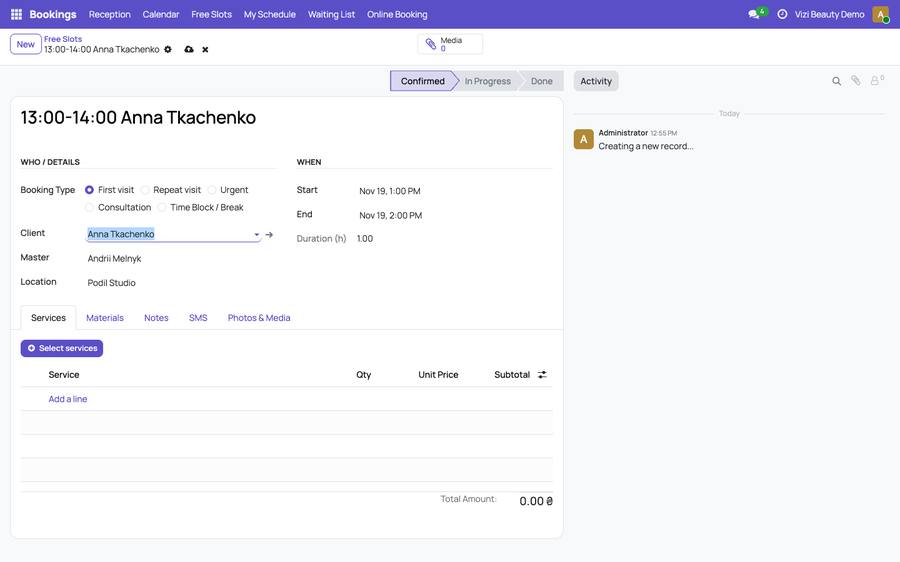
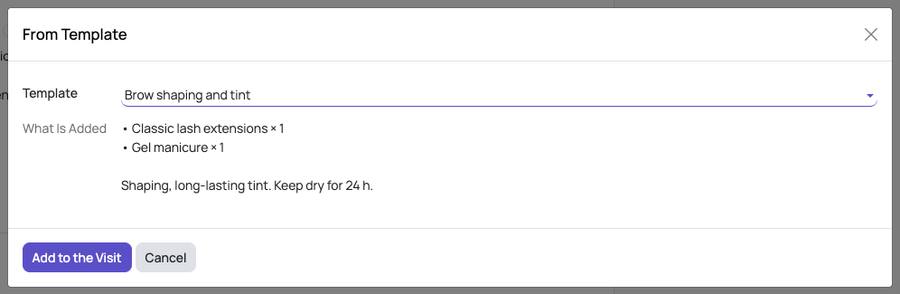
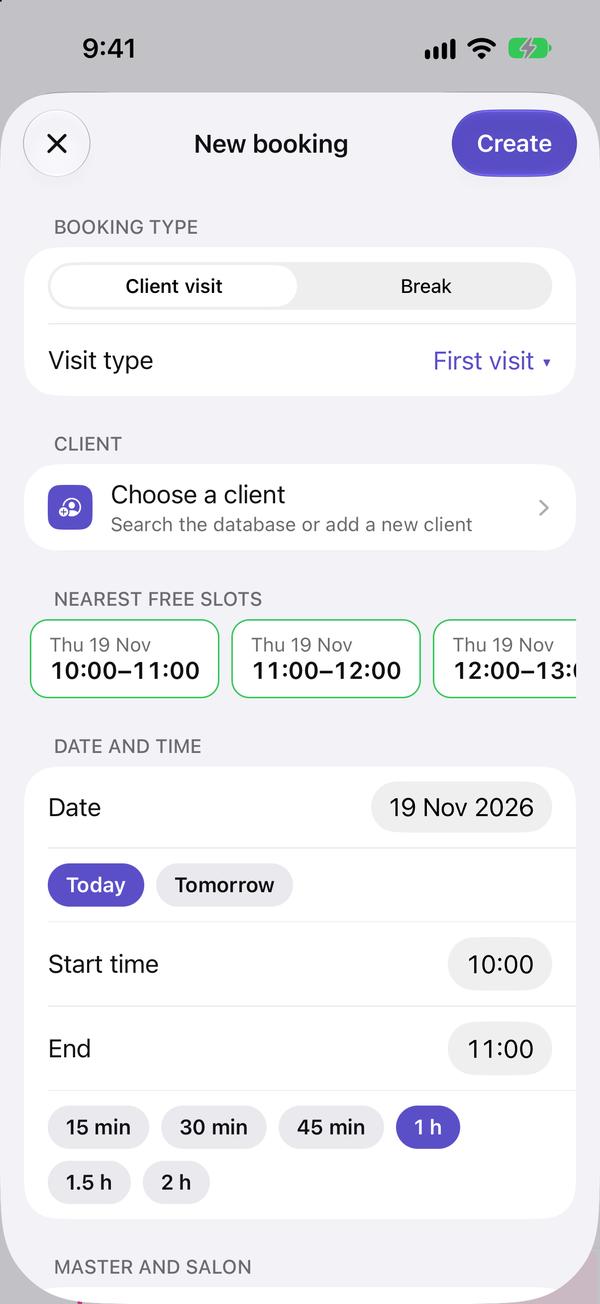
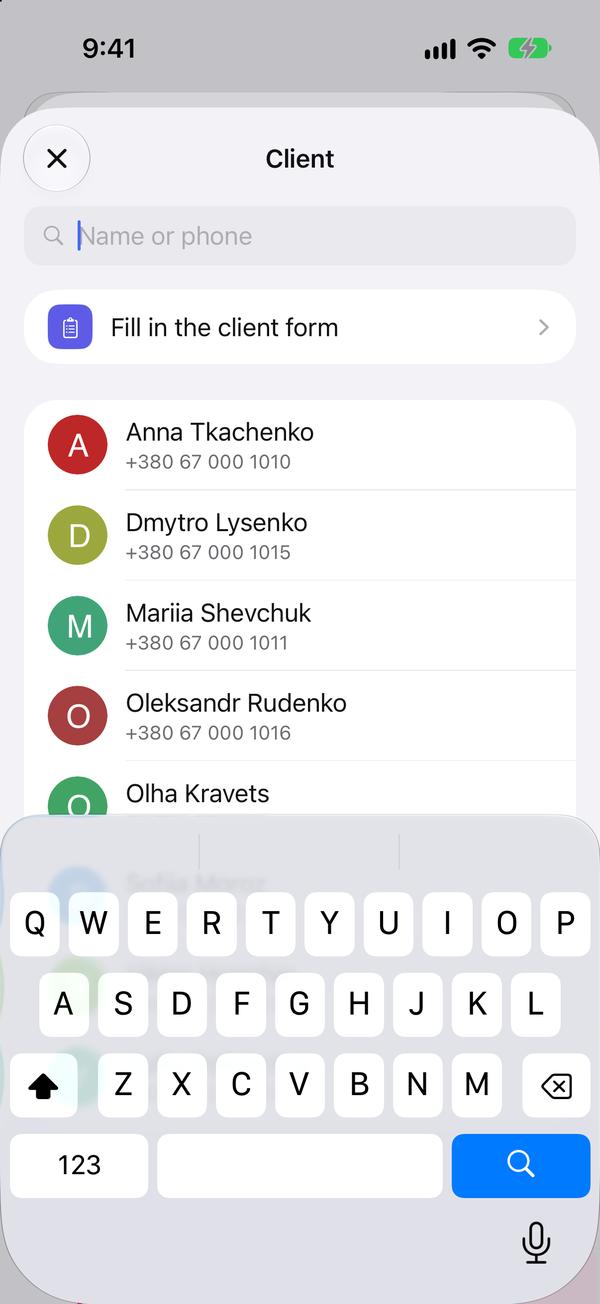
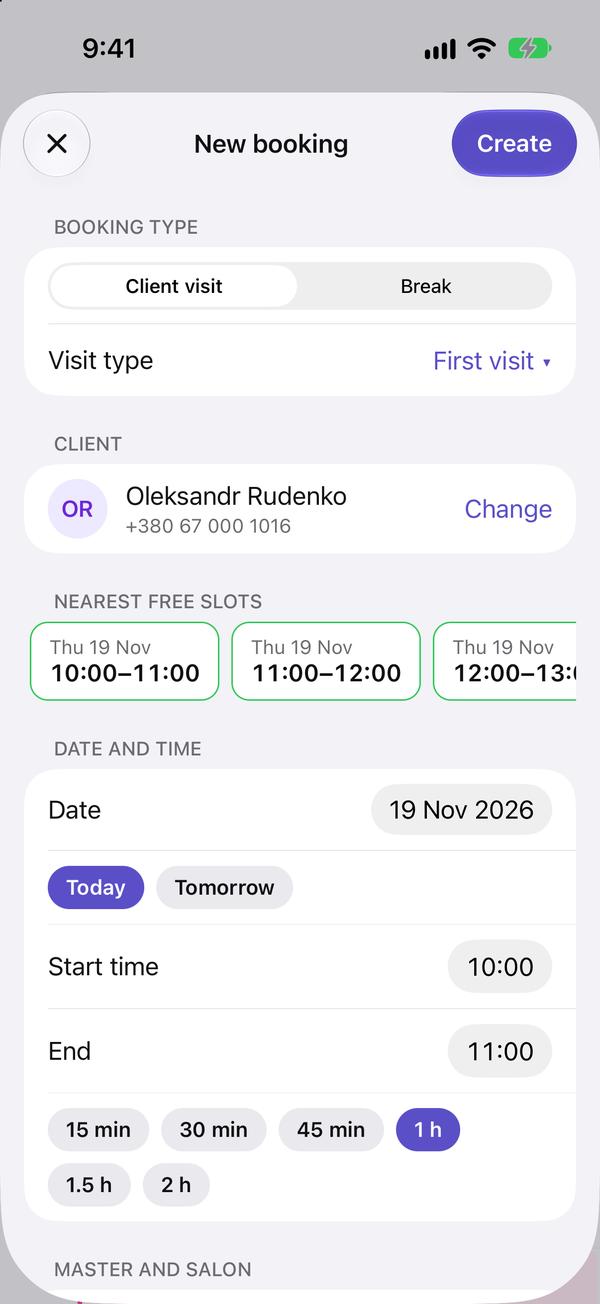
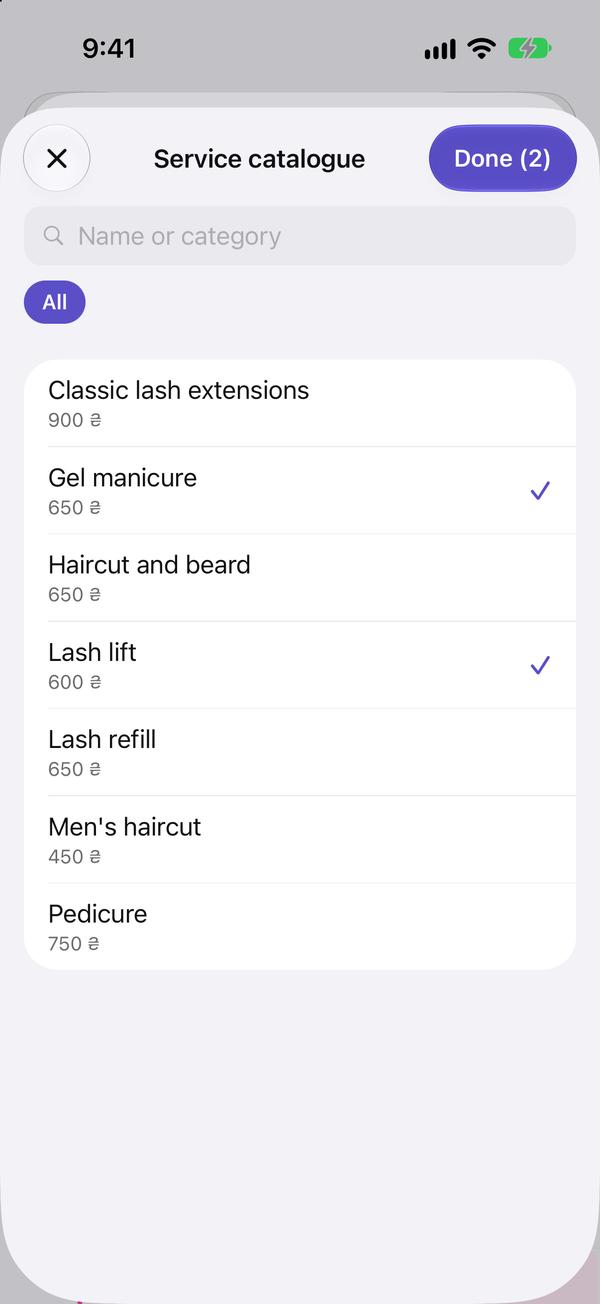
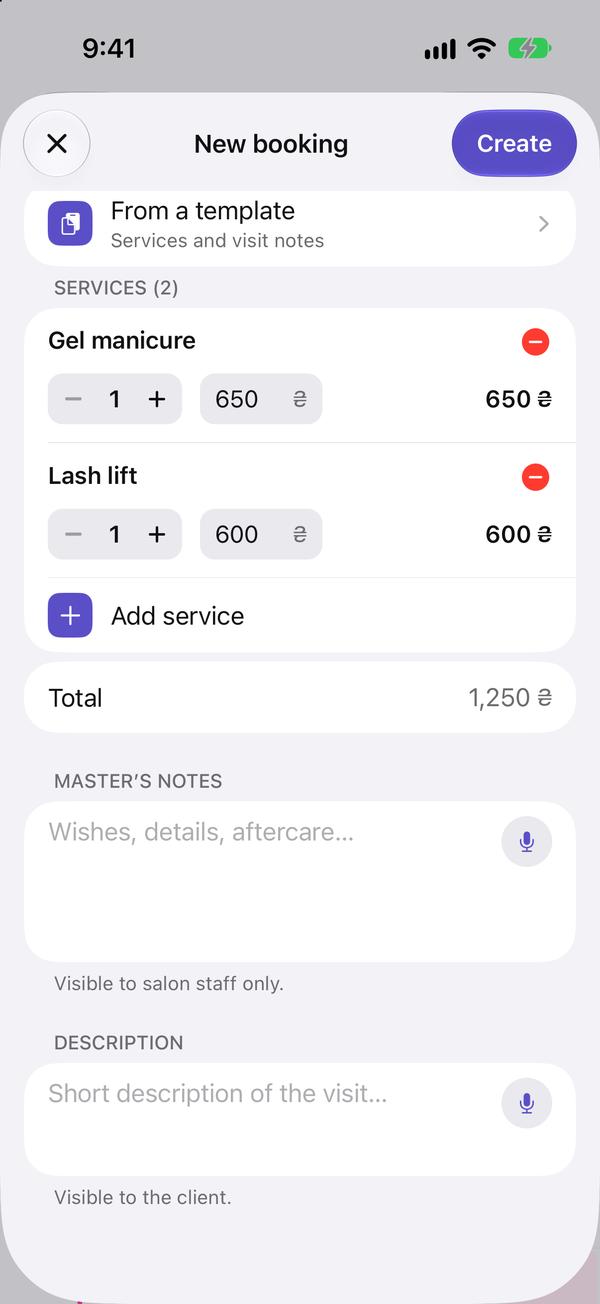
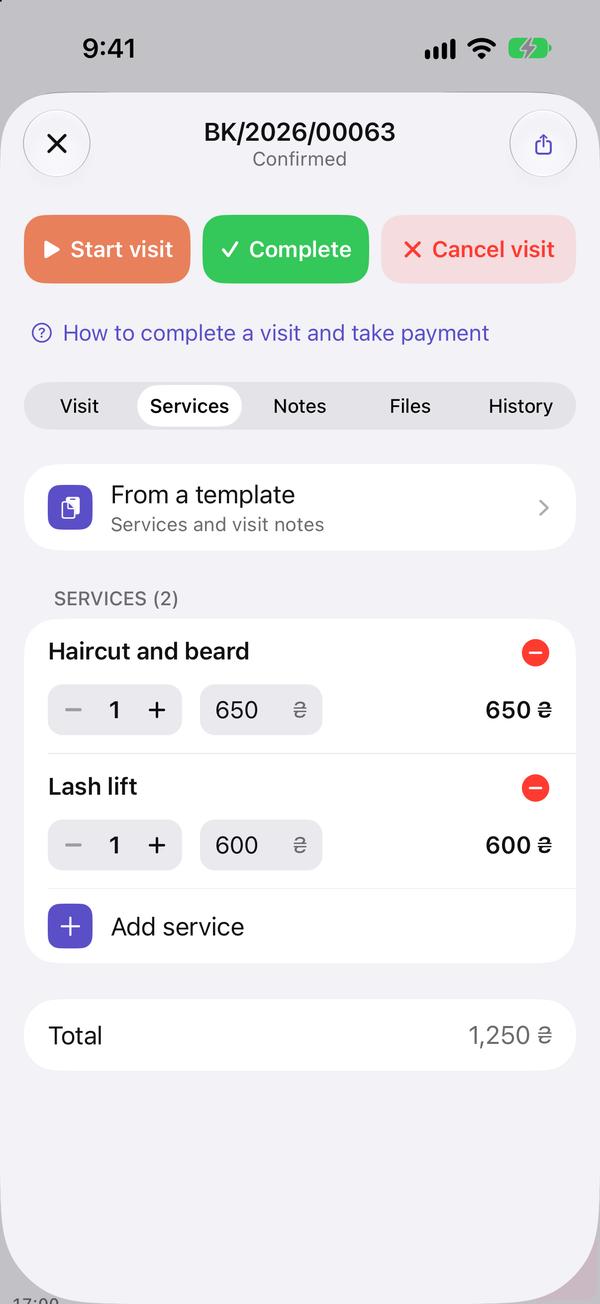
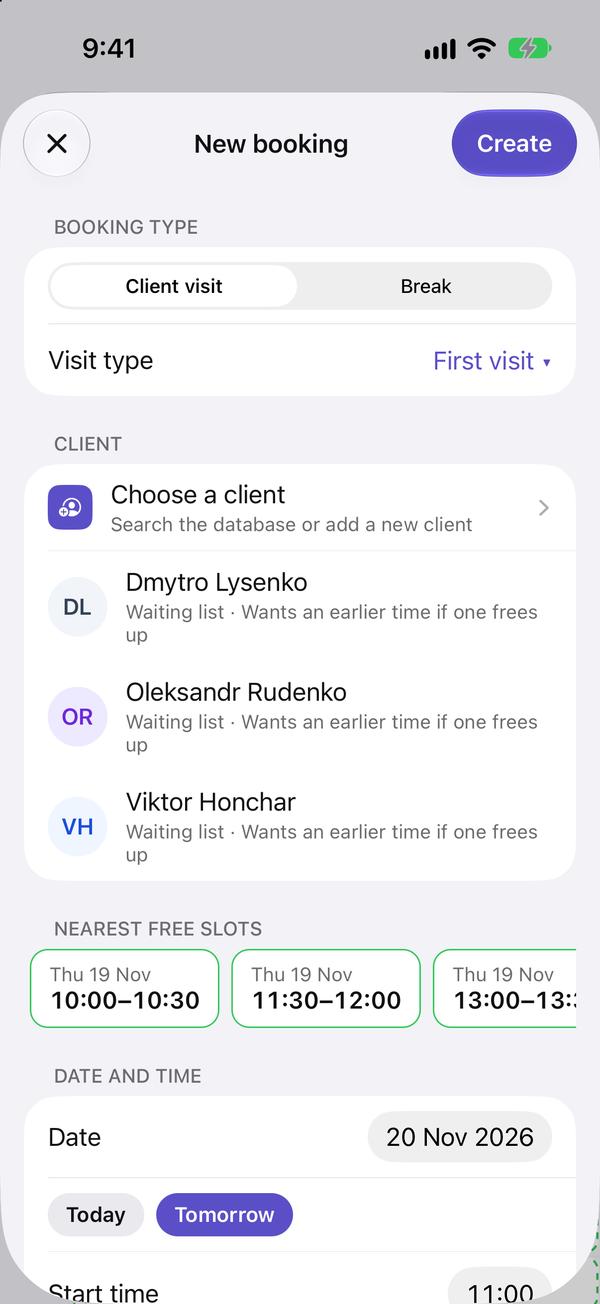
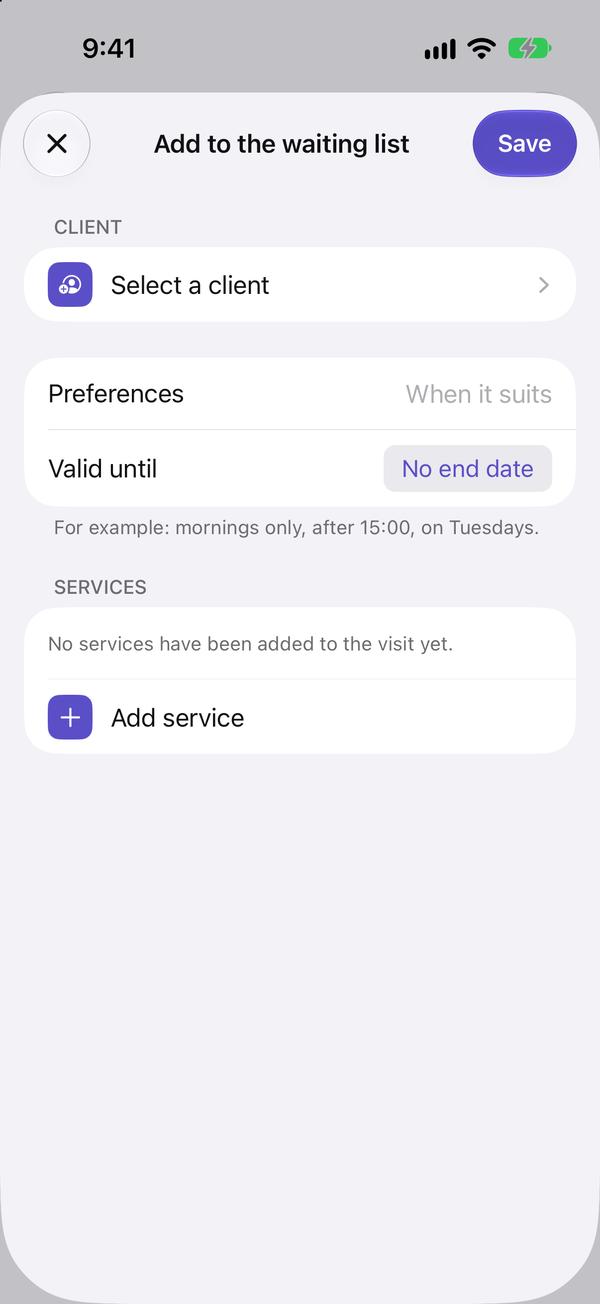
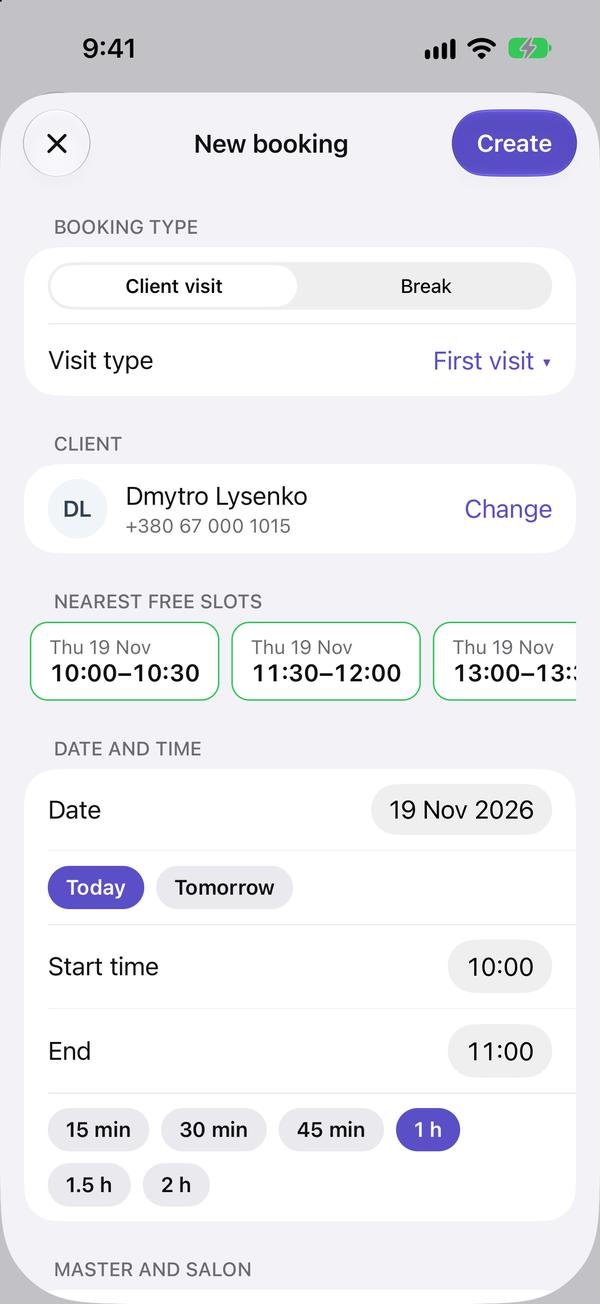
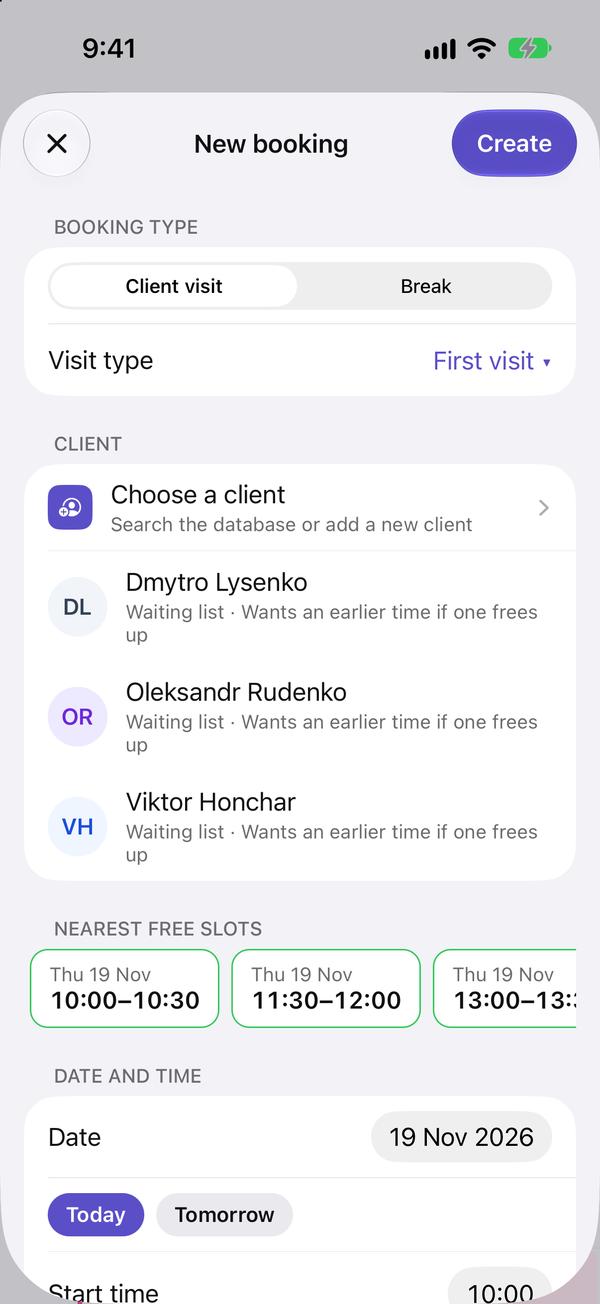
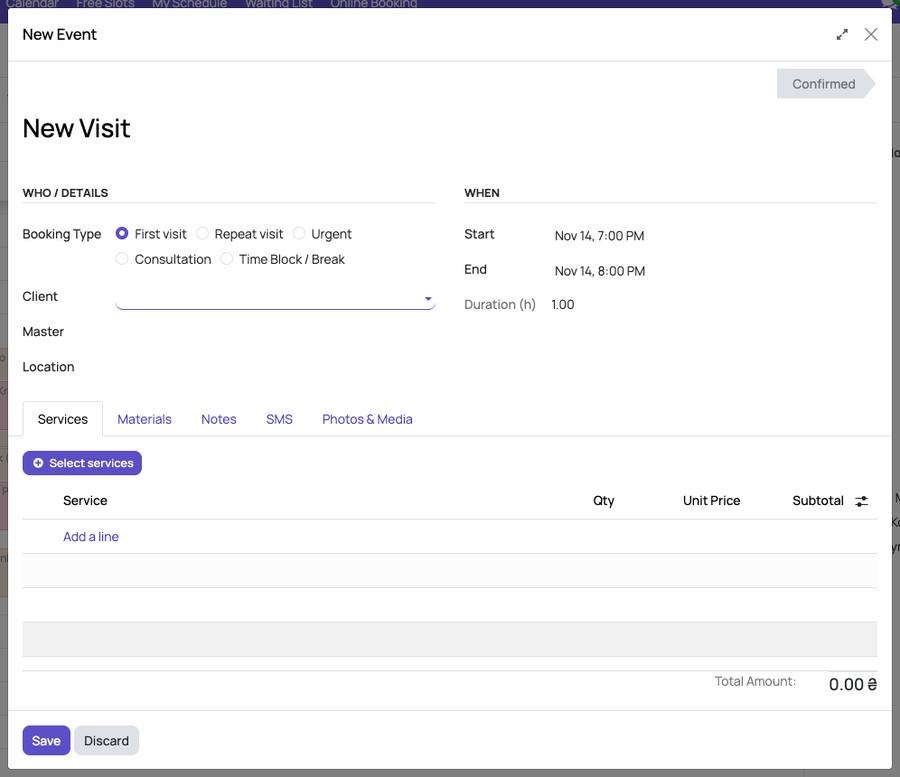
In the day, click a free time: a new visit opens at that time. Choose who comes, the specialist and the services (the «Select services» button), then press «Save».
-
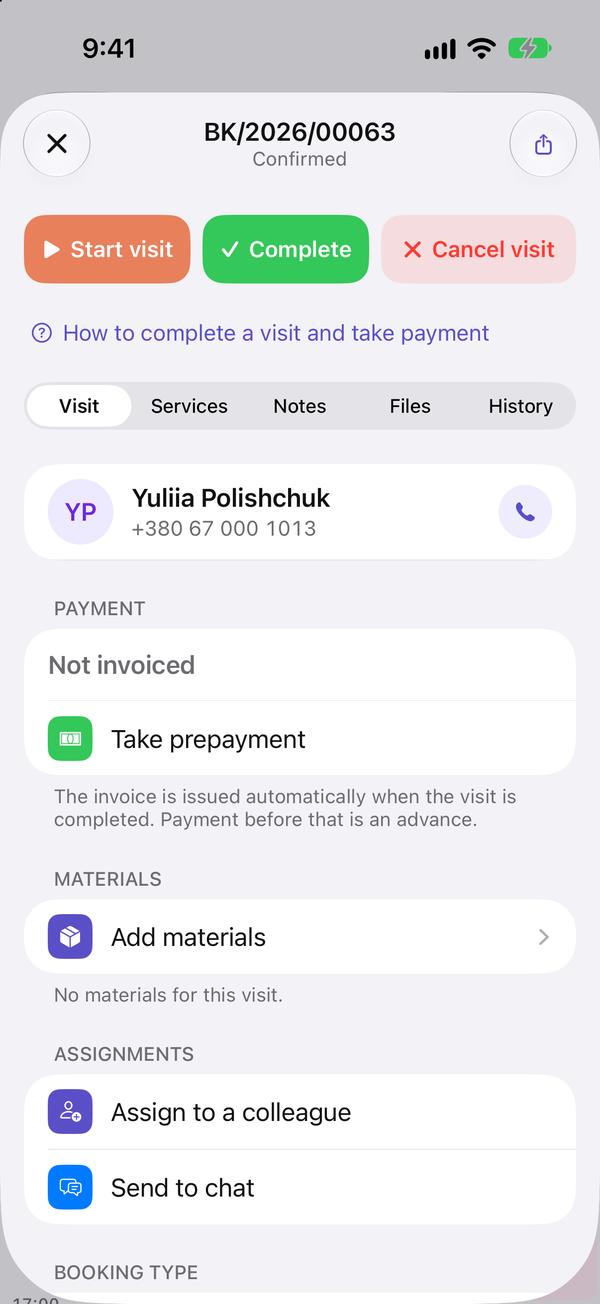
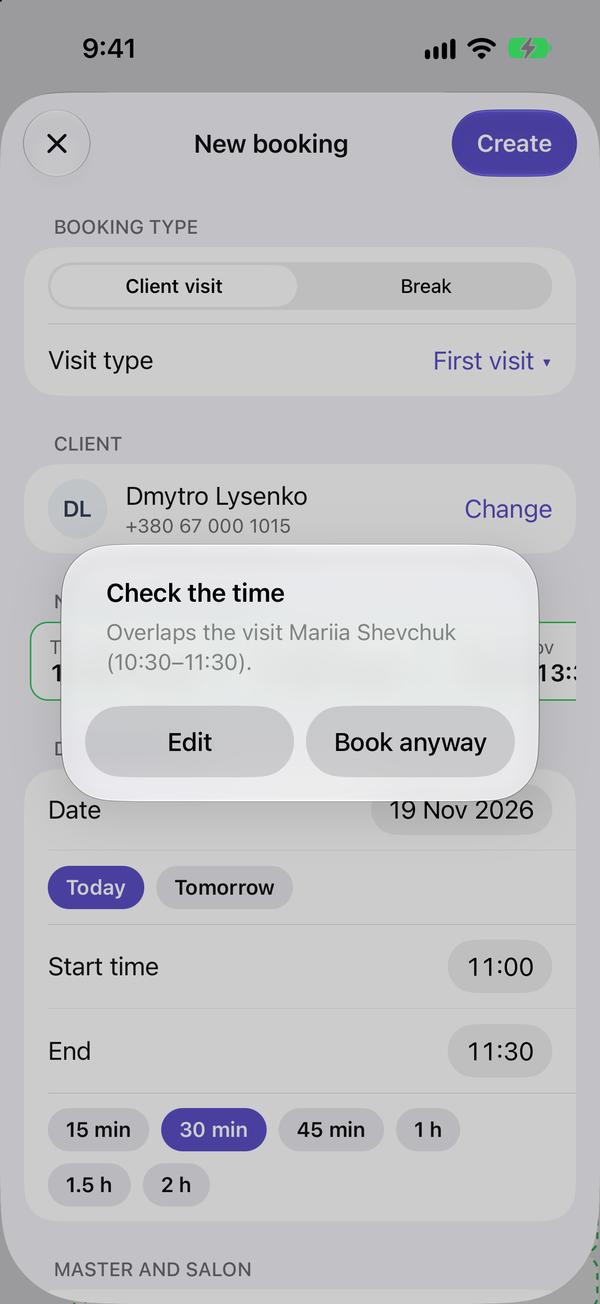
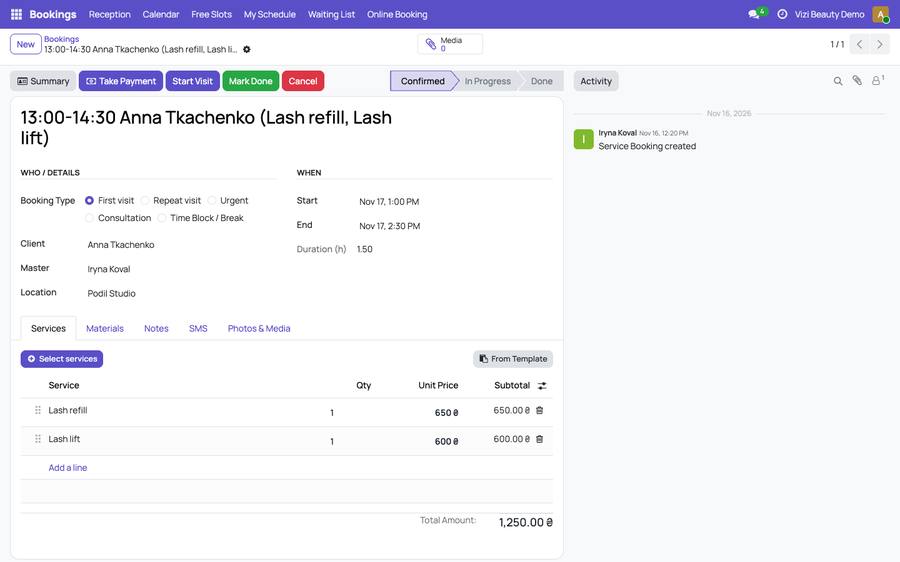
Click a visit in the calendar to open it. A yellow line at the top warns when the time is outside the specialist's working hours or overlaps another visit: you can still save it.
-
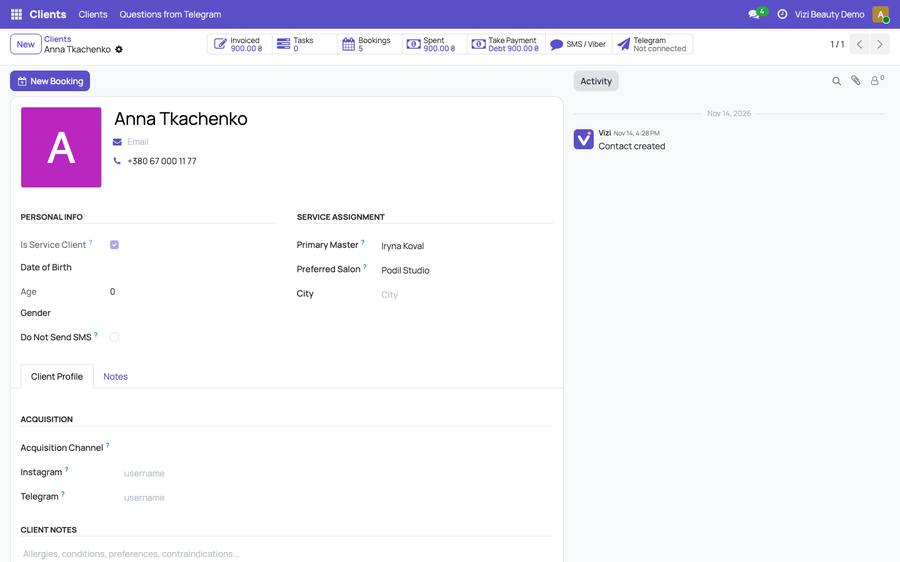
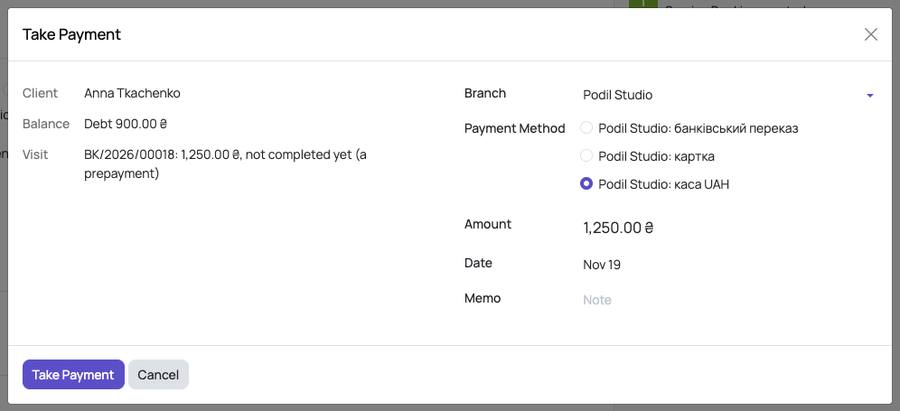
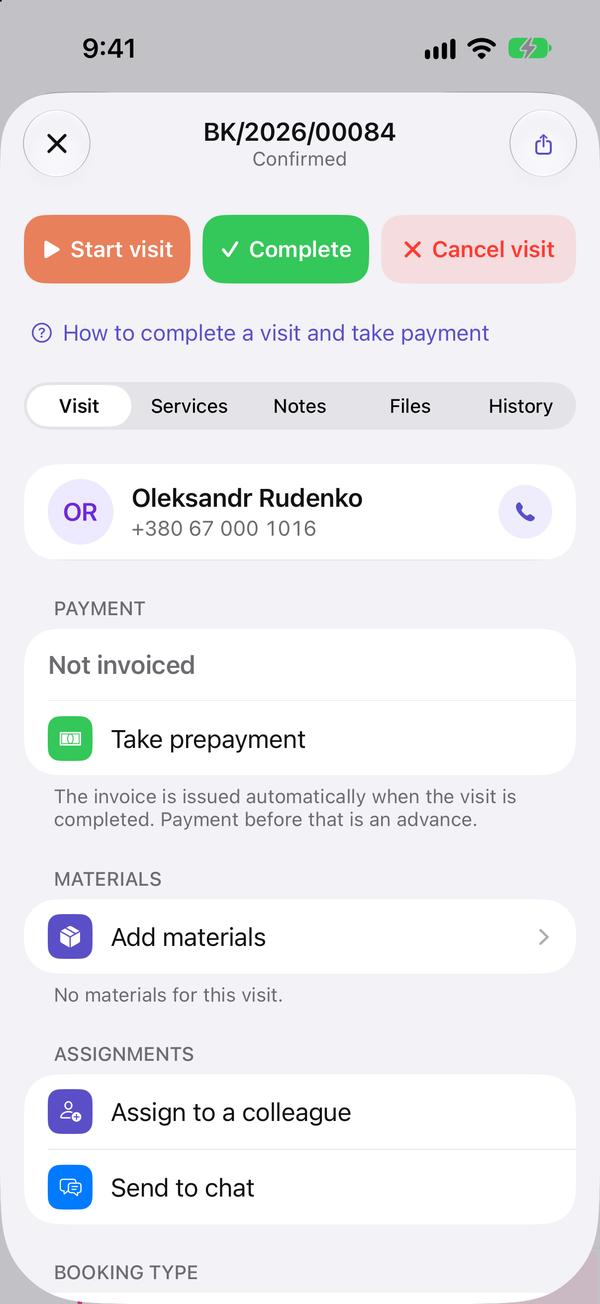
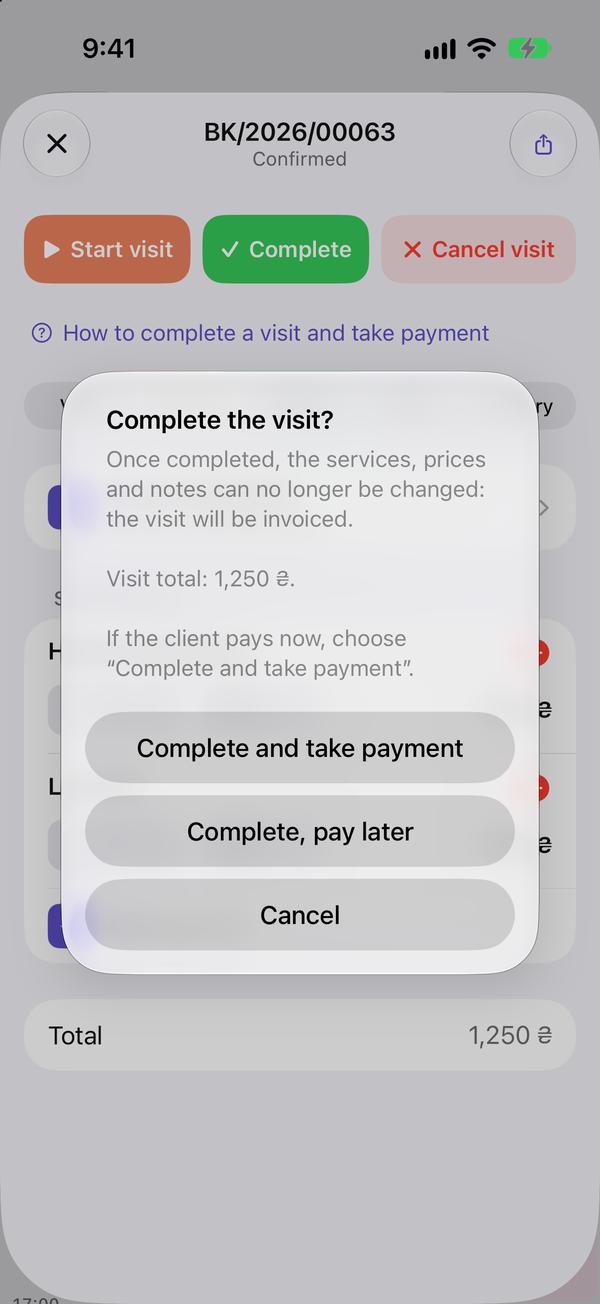
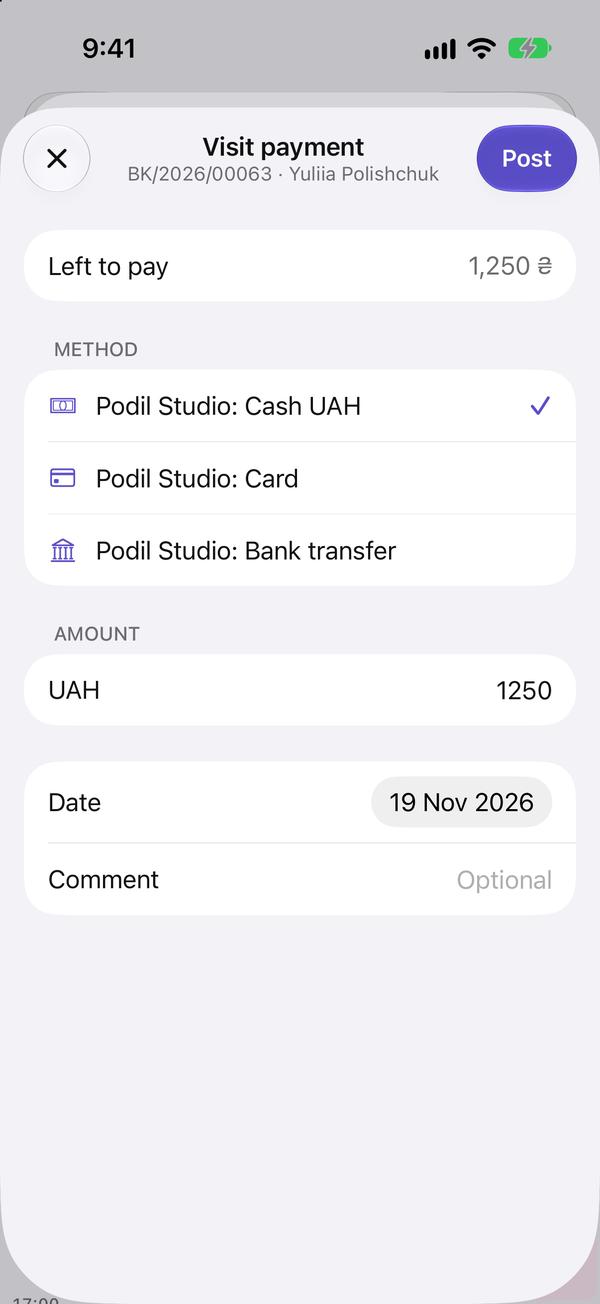
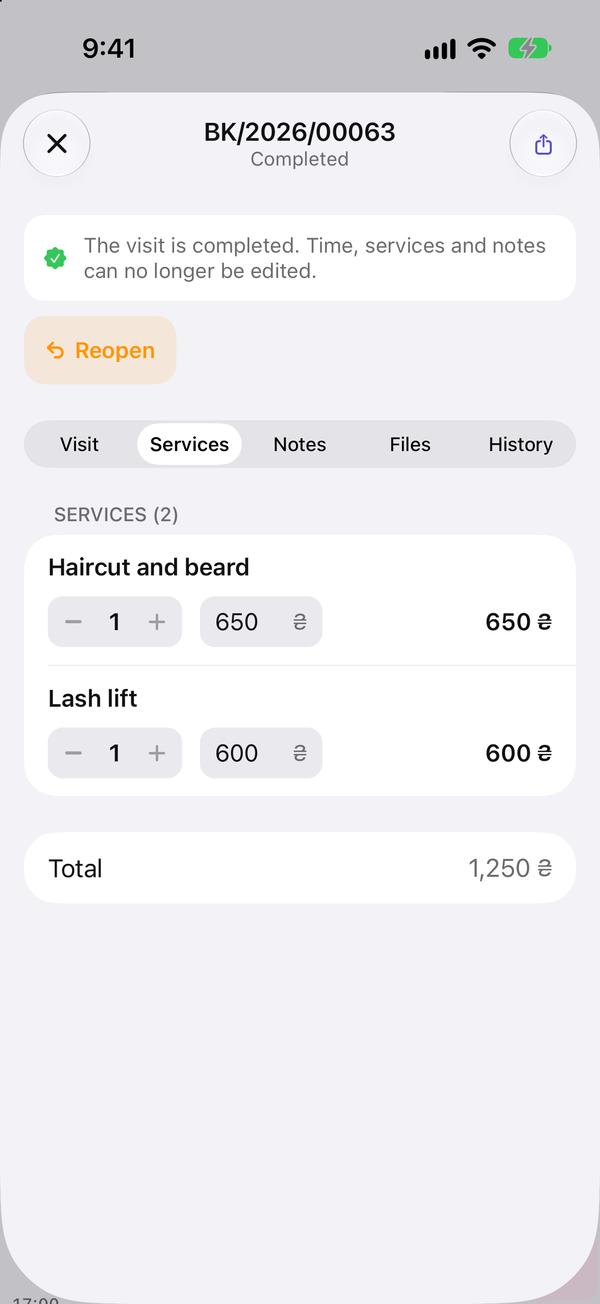
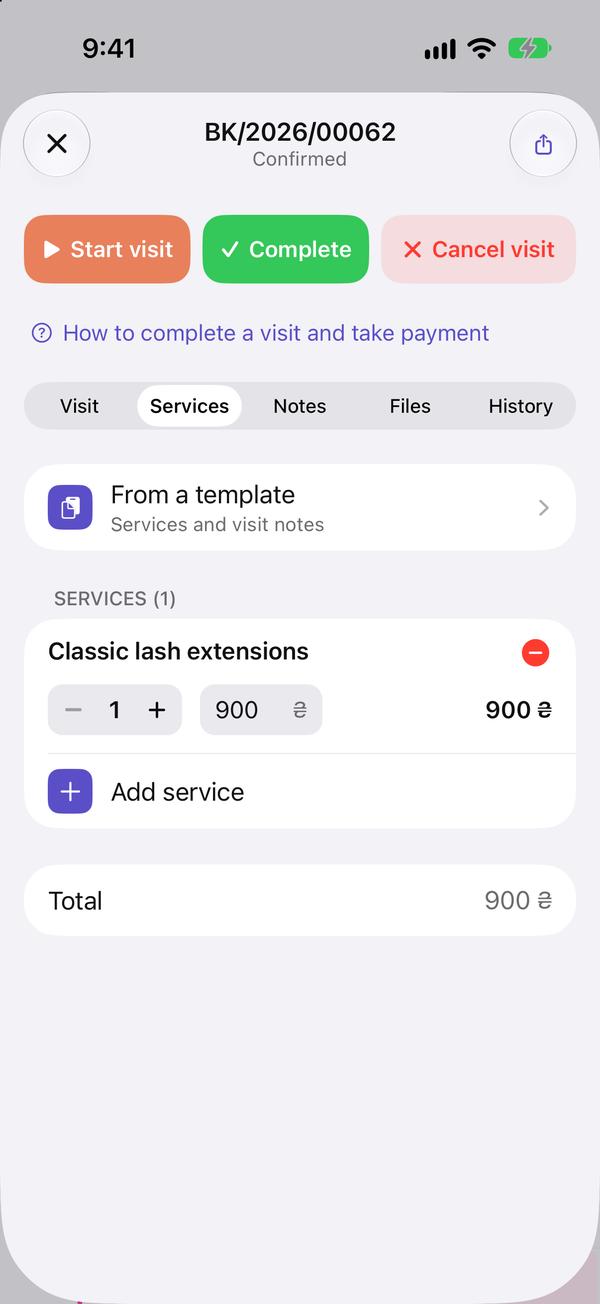
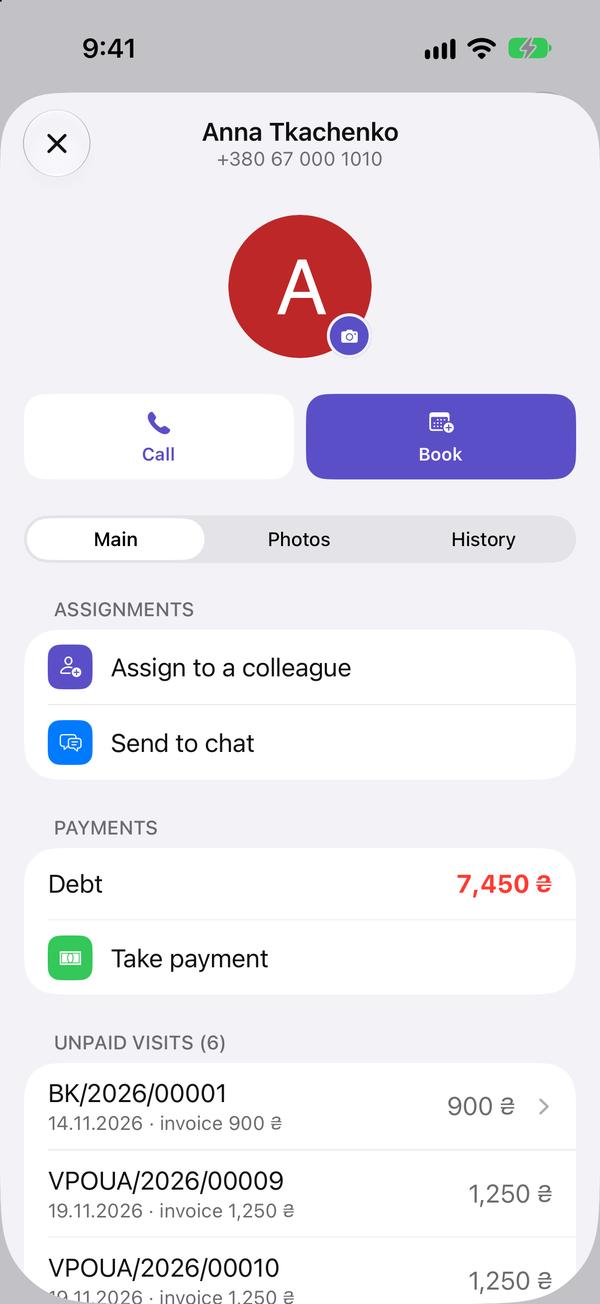
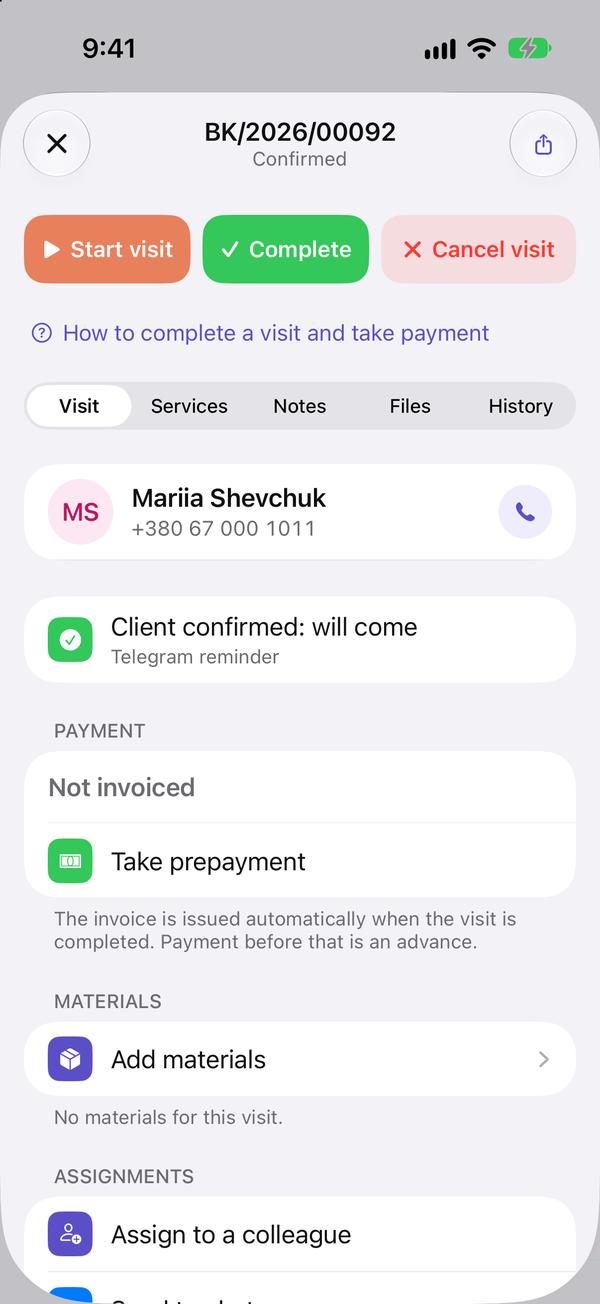
When the person has come, press «Start Session» at the top; when the visit is over, «Mark Done». «Take Payment» is right there too.

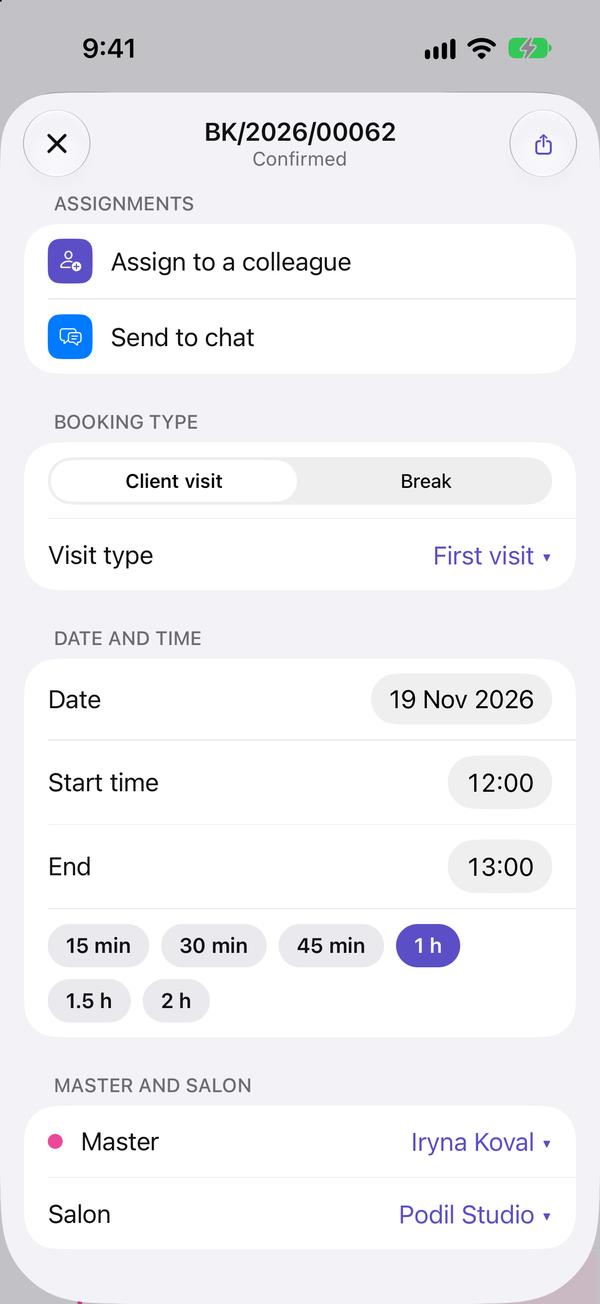
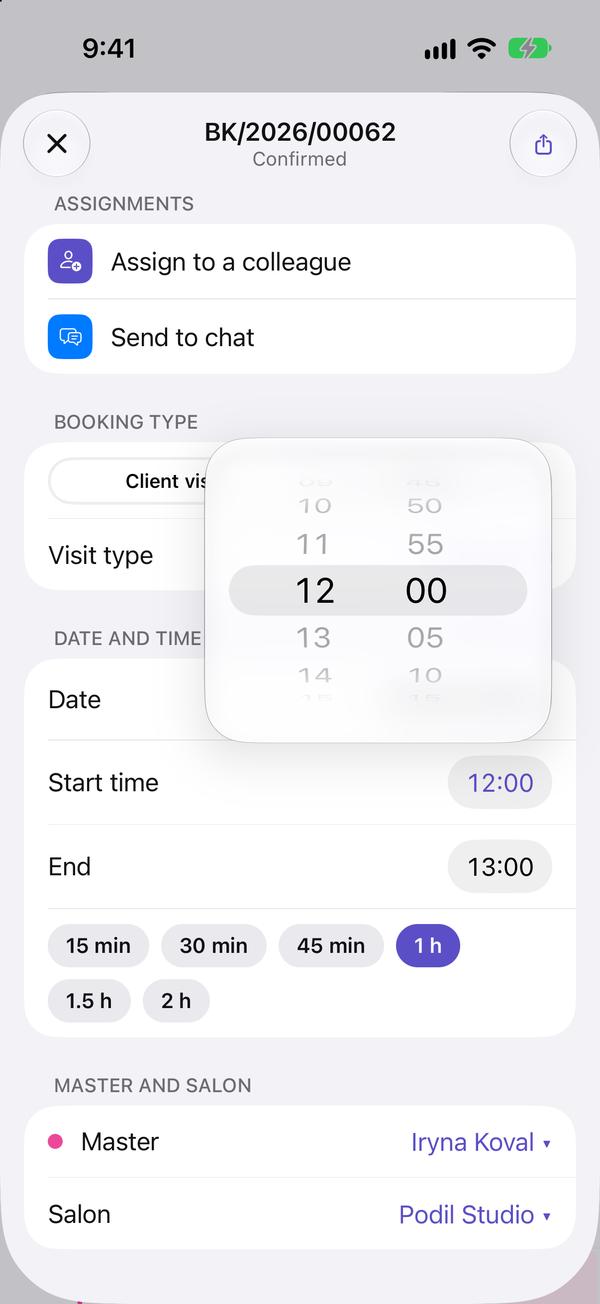
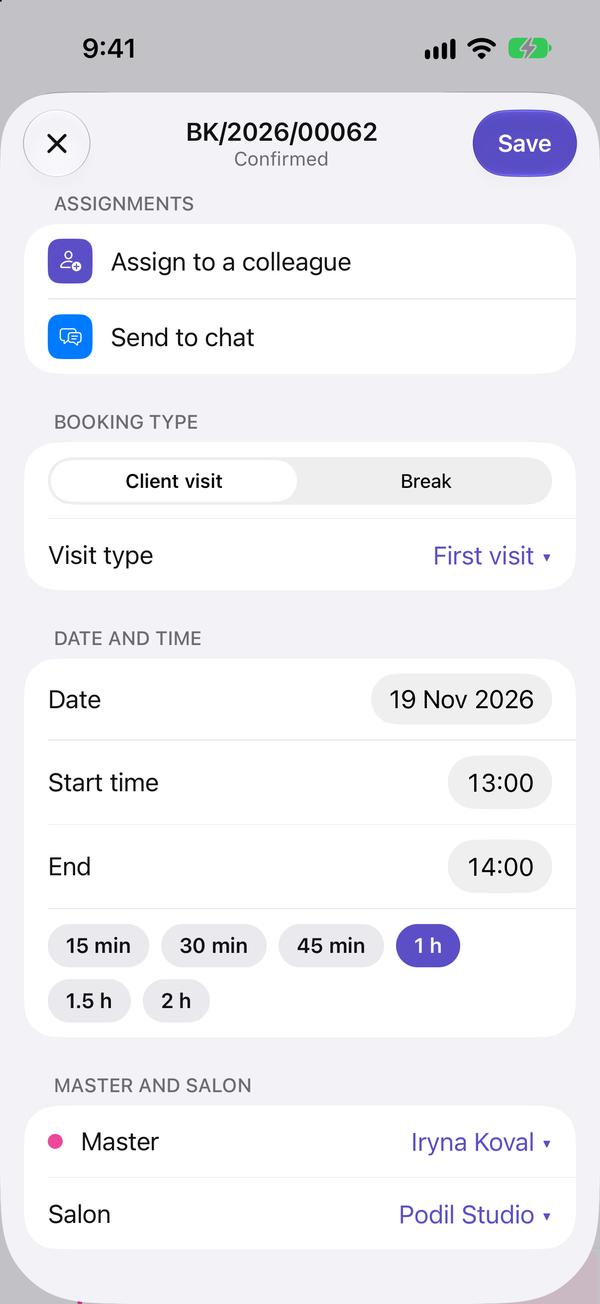
To move a visit, drag it to another time in the calendar, or open it and change «Start».
A specialist changes only their own visits; the managers change any.
The app shows the same calendar: what you change here is in the app at once.